

Work only starts once Both People say yes
inLynk Task Management helps organizations assign work based on real team capacity. Tasks include estimated hours and deadlines, and become active only after the assignee accepts, creating a transparent and collaborative workflow.
No setup, no config screens — you can propose your first task in under a minute.
This is a live mock‑up — click Accept and watch what changes.
Every other tool assigns first and lets you find out later. inLynk asks first.
Creates a ticket and drops it on your board. You find out when you look.
Assumes you're free, assigns it, and tells you afterward.
Proposes hours and a deadline — then waits for your tap before it's real.
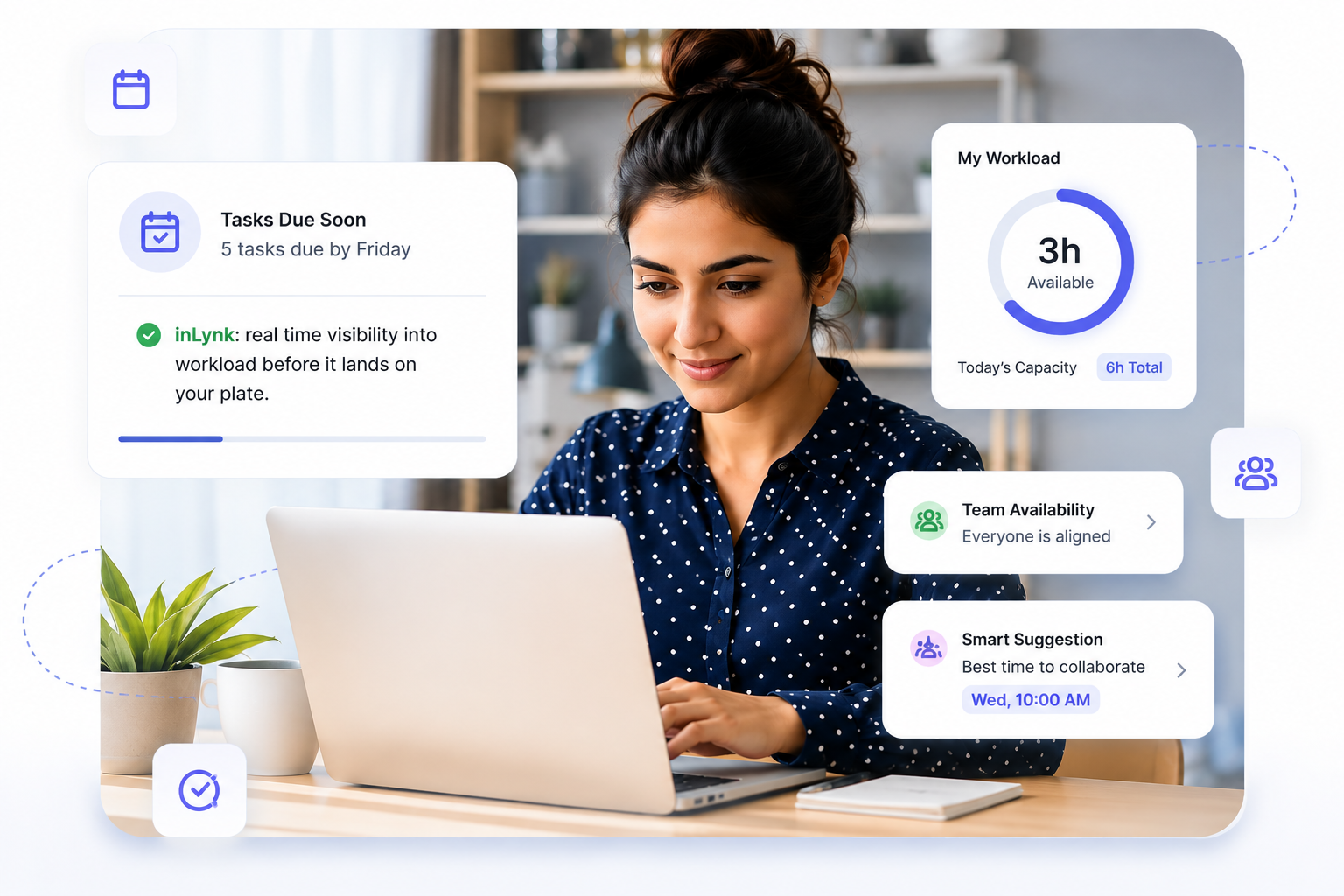
Most task tools assign work without checking if it's realistic.
Three quiet moments that quietly break trust on a team — and exactly what inLynk does differently.
 Heard Monday, 9:14am
Tasks landing without warning
Work shows up on your plate mid-week, and you're the last person to know it's coming.
 Heard at sprint planning
Assigned by guesswork, not availability
Work gets handed to whoever "looks" free — not to whoever actually has the hours.
 Heard at Friday retro
Finished work nobody confirms
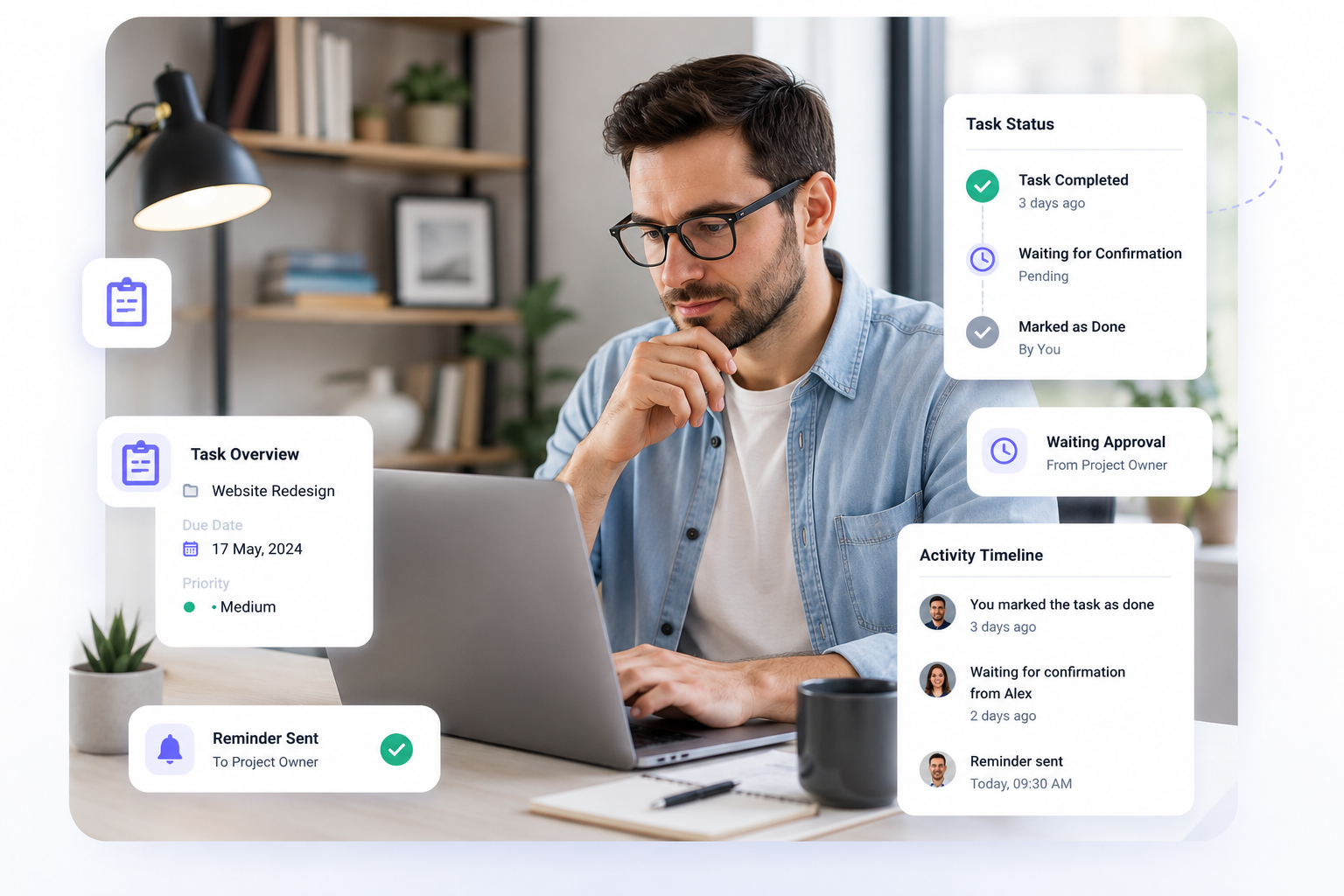
A task gets marked done and then just sits there, unacknowledged, with no closure on either side.
Three taps. That's the whole product.
Forget dashboards and settings — this is genuinely the entire mental model. Everything else in inLynk exists to support these three moments.
Propose
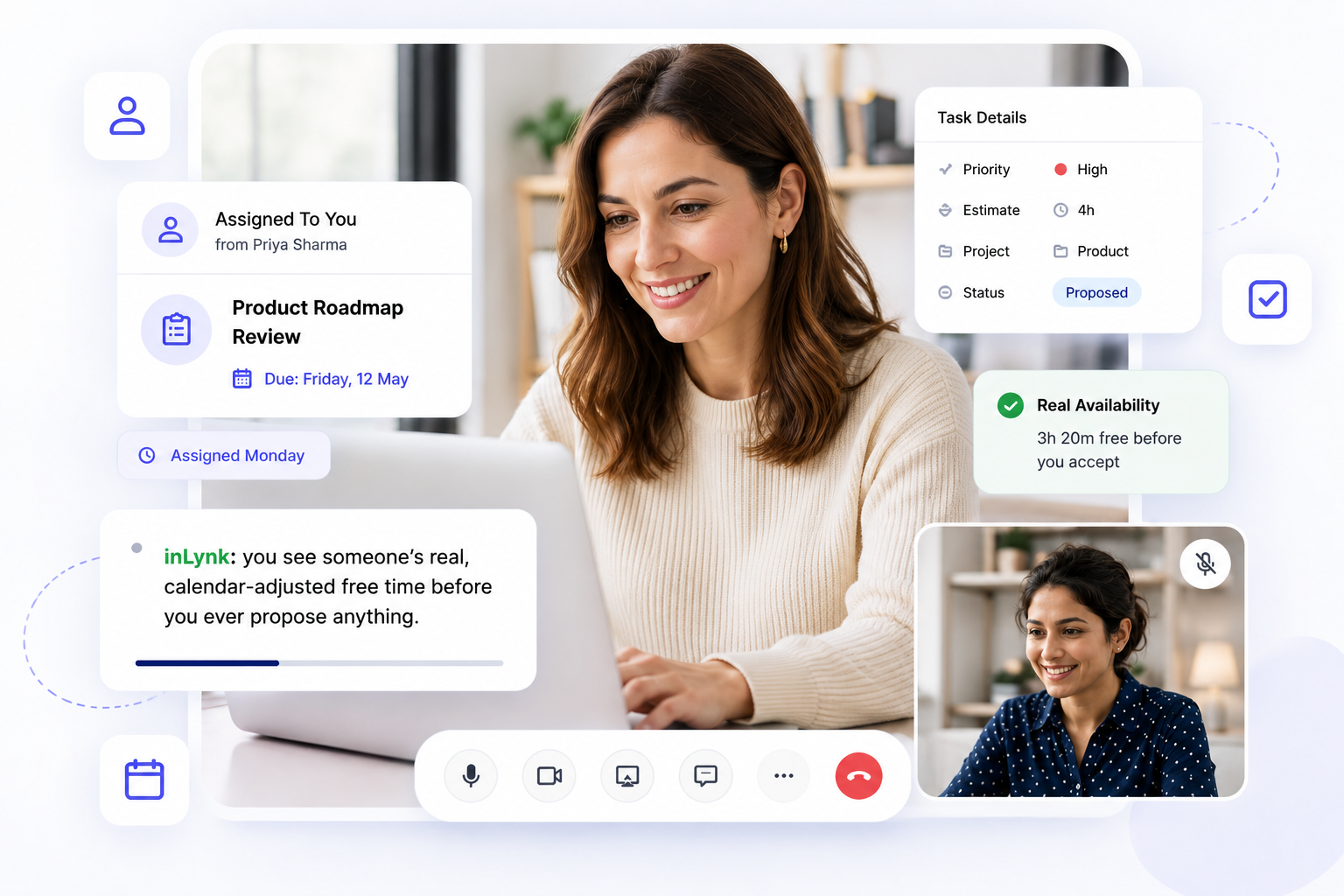
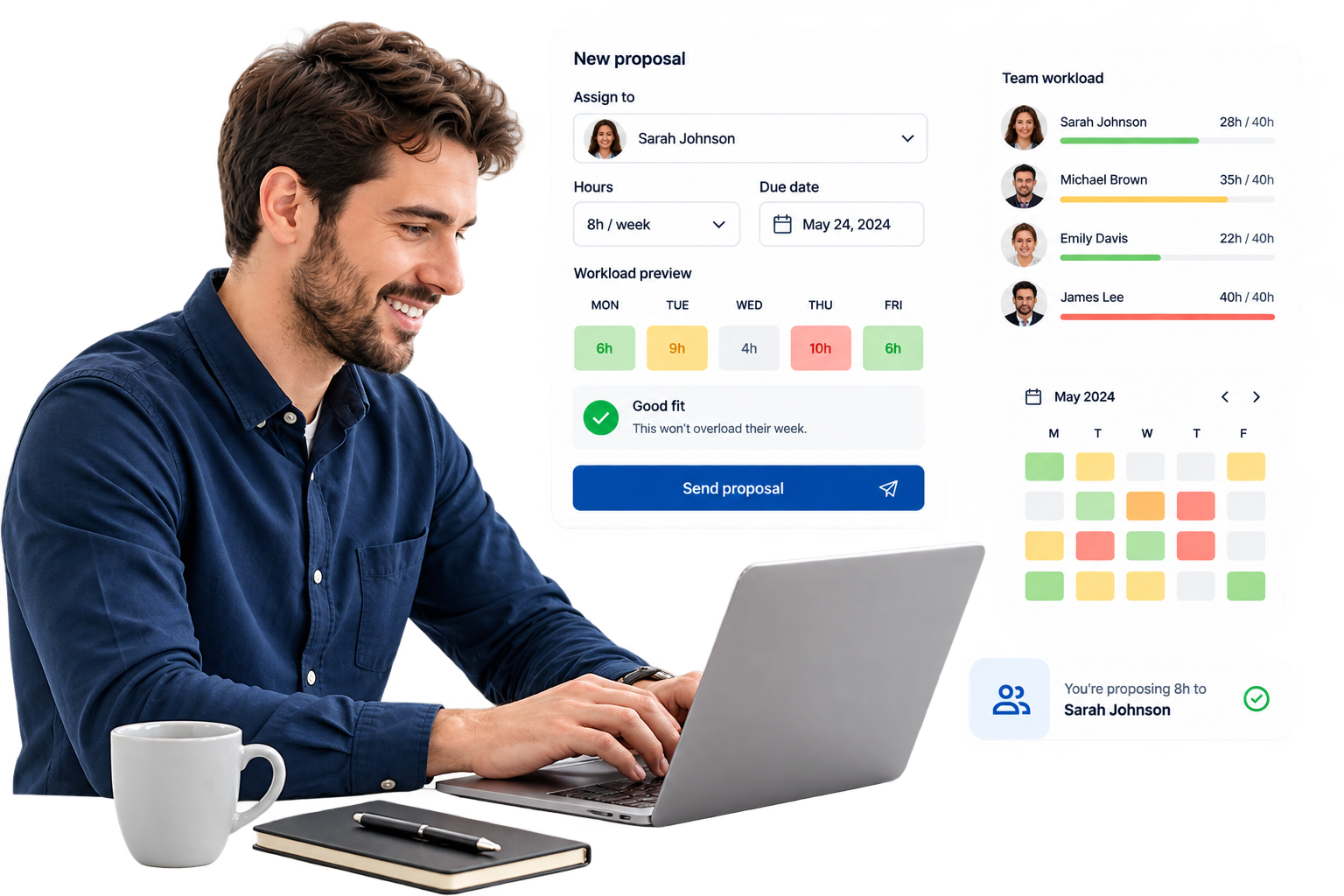
Pick a person, say how many hours the work needs and when it's due. You'll see their real workload first, so you're not proposing into an already-packed week.
Respond
The other person sees exactly where those hours would sit on their calendar. They accept, suggest different hours/date, or decline with a reason.
Agreed
Once accepted, it's locked in and counted against real capacity. When done, both sides confirm it — so nothing closes quietly and nothing is forgotten.
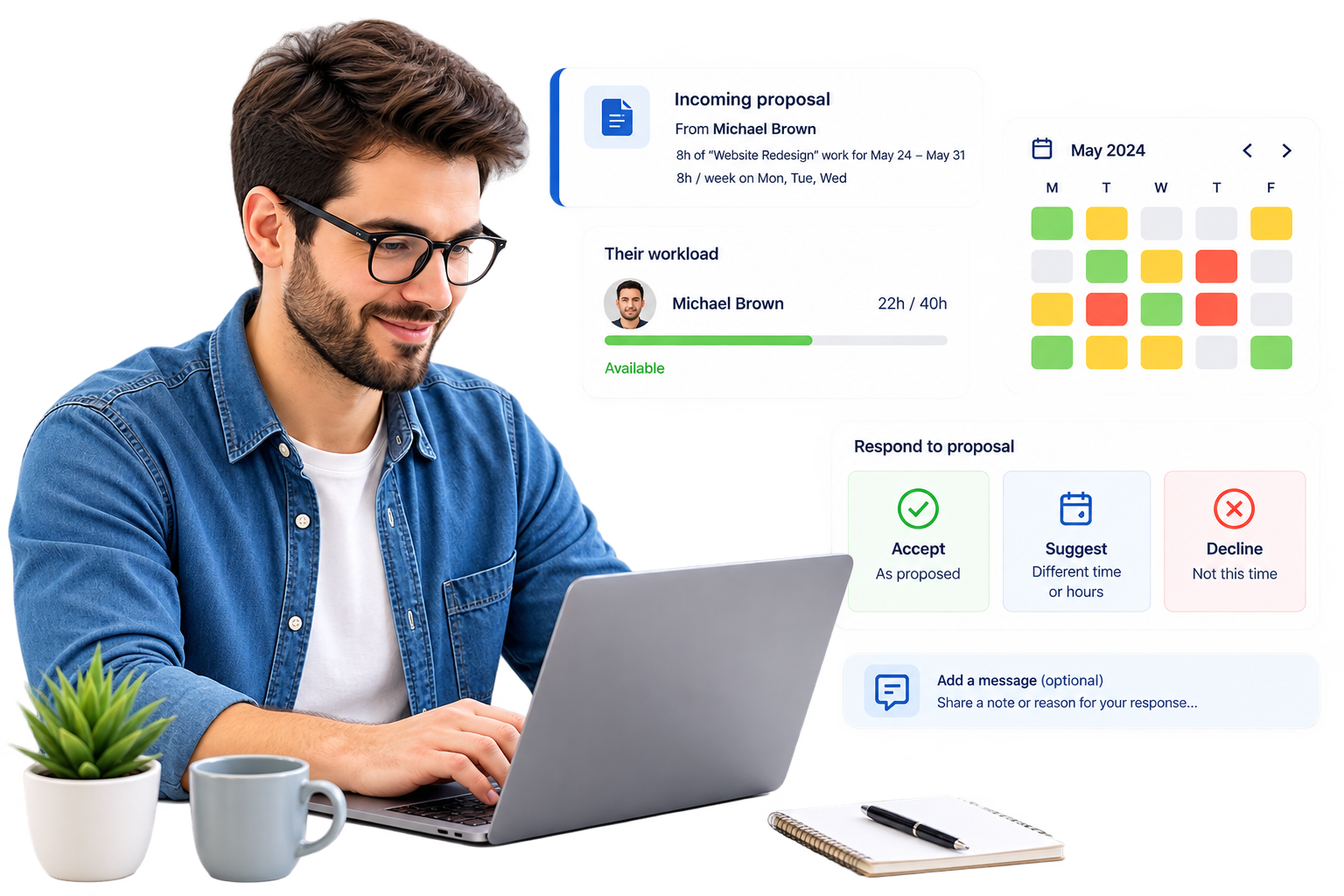
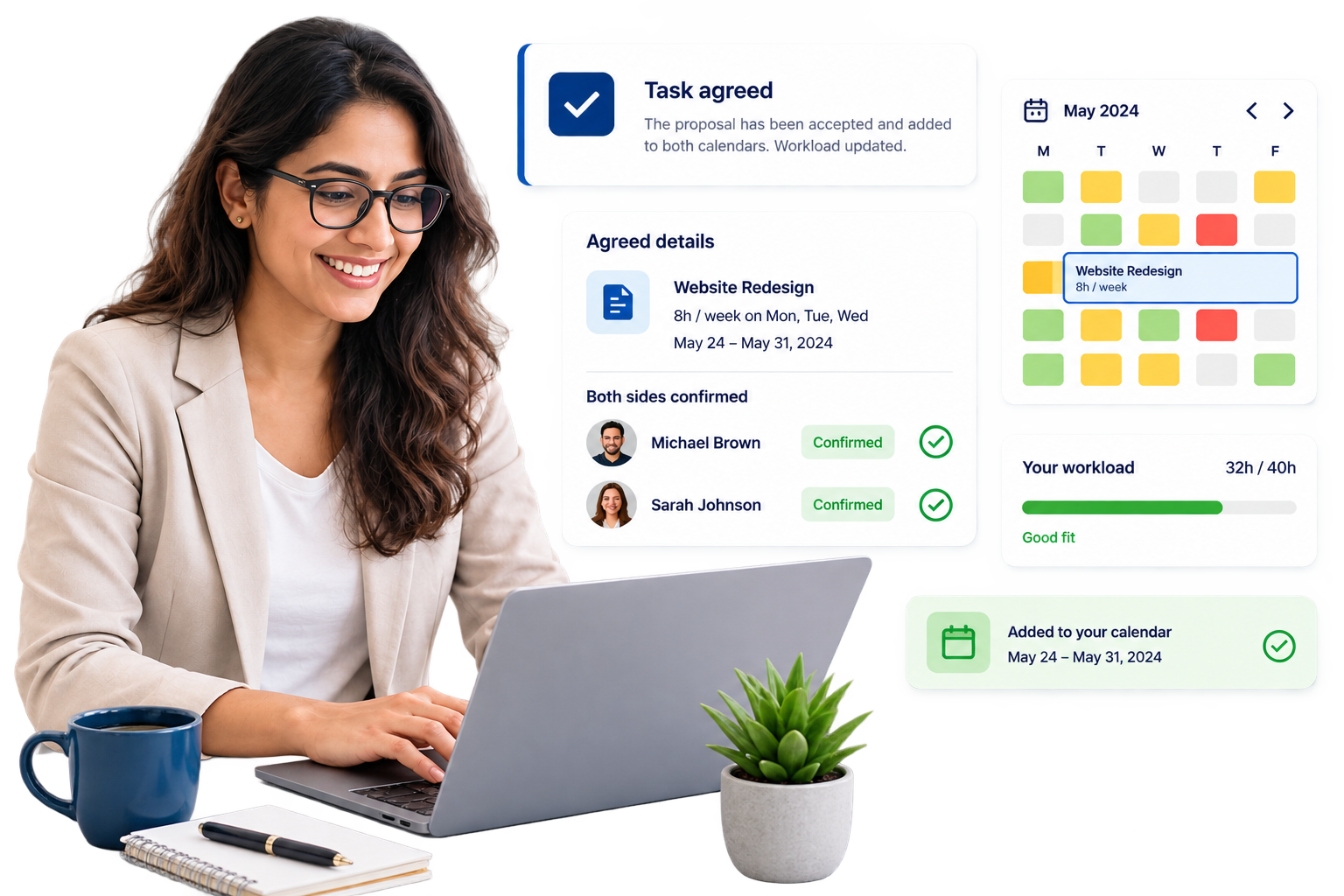
Everything else in the product exists to protect these three rules.
Nothing binds without a tap
No task ever auto-assigns itself onto your plate. Every proposal has a reply-by date, so it can't quietly rot — and can't quietly resolve itself either.
Everyone can see the real workload
Any teammate can check any colleague's tasks, calendar, and workload — up the chain too. Only three things stay private: ratings, private event details, and partner conversations.
Your company, and your partners, stay separate
Work inside your team and work with an outside company run on the same simple engine — but a partner only ever sees the task they're part of. Never your boards, never your calendars.
The same simple idea, everywhere you look.
A board, a calendar, a single task — every screen is just a different window onto the same agreement.
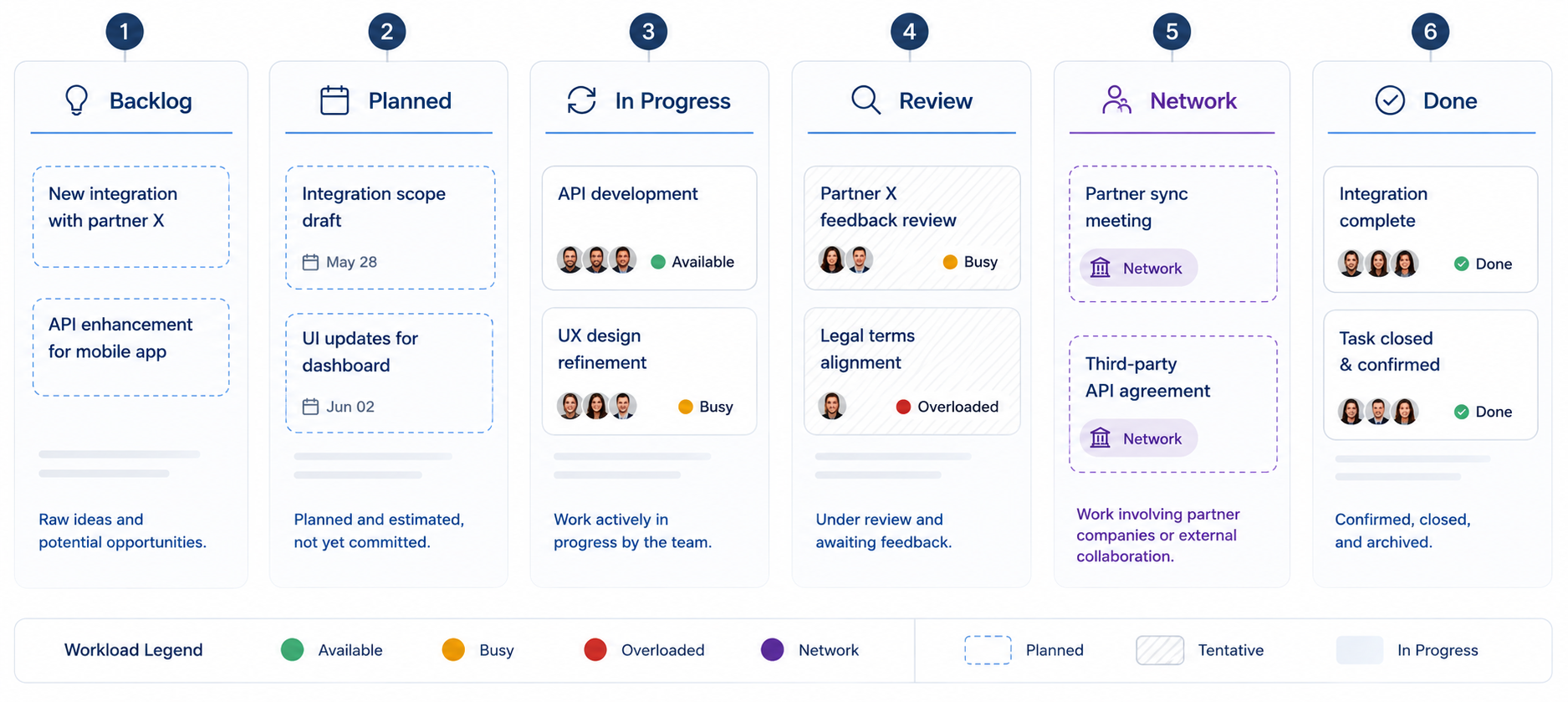
Six columns, one for every real stage of an agreement — from a raw idea in the backlog to a confirmed, closed task.
See a task go from "hey, can you..." to done, in 90 seconds.
A quick walkthrough of proposing, countering, accepting, and confirming a real task.
Real availability is the time that's actually left for new work.
Think of it like a fuel gauge, not an odometer: it shows what's left in the tank right now, not how big the tank is on paper.
Meetings, holidays, and time off all get subtracted before a single task hour is proposed — so the person already underwater never looks like the most available person on the team.

Get work done with another company — without opening up your whole team to them.
A partner only ever sees the one task they're working on with you — the hours, the deadline, the status. The conversation around it stays locked to just the two people in it.
| Workload | Shown only as a red/amber/green light — never real numbers — and only while there's an open proposal. |
| Cancelling | Neither side can just delete a task. One side asks, the other acknowledges. |
| Deleted messages | Leave a visible marker, so the record between companies always stays honest. |
| Handing off | The partner has to approve the new person before it's official. |
"Webhook retry policy doc — 3 hours, due Tuesday." Lukas can only see Sophie's status light: Busy.
Monday's already packed for her. She proposes Thursday instead, with a short note. Lukas agrees.
Both companies now have the exact same record of what was agreed — but only Lukas and Sophie can read how they got there.
A Reputation you can actually trust, because both sides rate.
Once a task is confirmed, both people get a short window to rate privately. The person who asked rates the work. The person who did it rates the ask itself — was the brief clear, was the deadline realistic. Neither one ever sees the other's score.
One bad day can't define anyone: an average only shows once someone has a handful of rated tasks behind them.
Hover to reveal
Hover to reveal
Workload is a planning signal here — never a scoreboard.
Three simple views, built entirely from work that's already happening. No timers, no screenshots of your screen, no leaderboards ranking people against each other.
Your own trends
How busy you've been, what you've finished, whether things landed on time. Just for you — no ratings shown here.
Team capacity at a glance
Everything above for each person you manage, plus rating averages and early warnings on overload.
Delivery, per partner company
How the whole organization is doing, and how reliably you're delivering to each partner you work with.
Trusted by teams replacing chaos with clarity.
"I stopped finding out about new work by accident. If it's on my plate, I said yes to it."
"The load numbers finally match reality. Meetings actually count now, so proposals land on days people can breathe."
"Working with our vendor got so much simpler — they see exactly what they need to, nothing more."
Get In Touch
Have questions about deployment, pricing, or security? Our team is ready to answer all your questions.



Common questions
No. Every task starts as a proposal. It only becomes real work on your plate once you personally tap Accept. You can also suggest different hours or a different date instead, or decline it outright.
It looks at your real calendar — meetings, holidays, time off — and subtracts that from your week before anyone proposes new work to you. So "free" always means genuinely free, not just an empty guess.
You mark it complete, and the person who asked for it confirms it landed the way they expected. Only then does it close for good. Nothing is "done" until both people agree it's done.
Never. A partner from another company only sees a task they're personally working on with you, and just a red/amber/green light for how busy you are — never your calendar, your other tasks, or your ratings.
No setup screens, no custom workflows, no story-point debates. Hours and a deadline is the whole system — you can propose your first task the moment you sign in.
Your team's next task starts with a question, not a push.
Bring your workload, your calendar, and your partners — the rest takes care of itself.